
 Register
  Sign In

 Live Assistance
  Contact us

EuropeID Help Center
Domain search
Site search
WHOIS


Customer Support Information
Webmail account settings - Set up 2FA in SOGo webmail.
Set up 2FA in SOGo webmail.
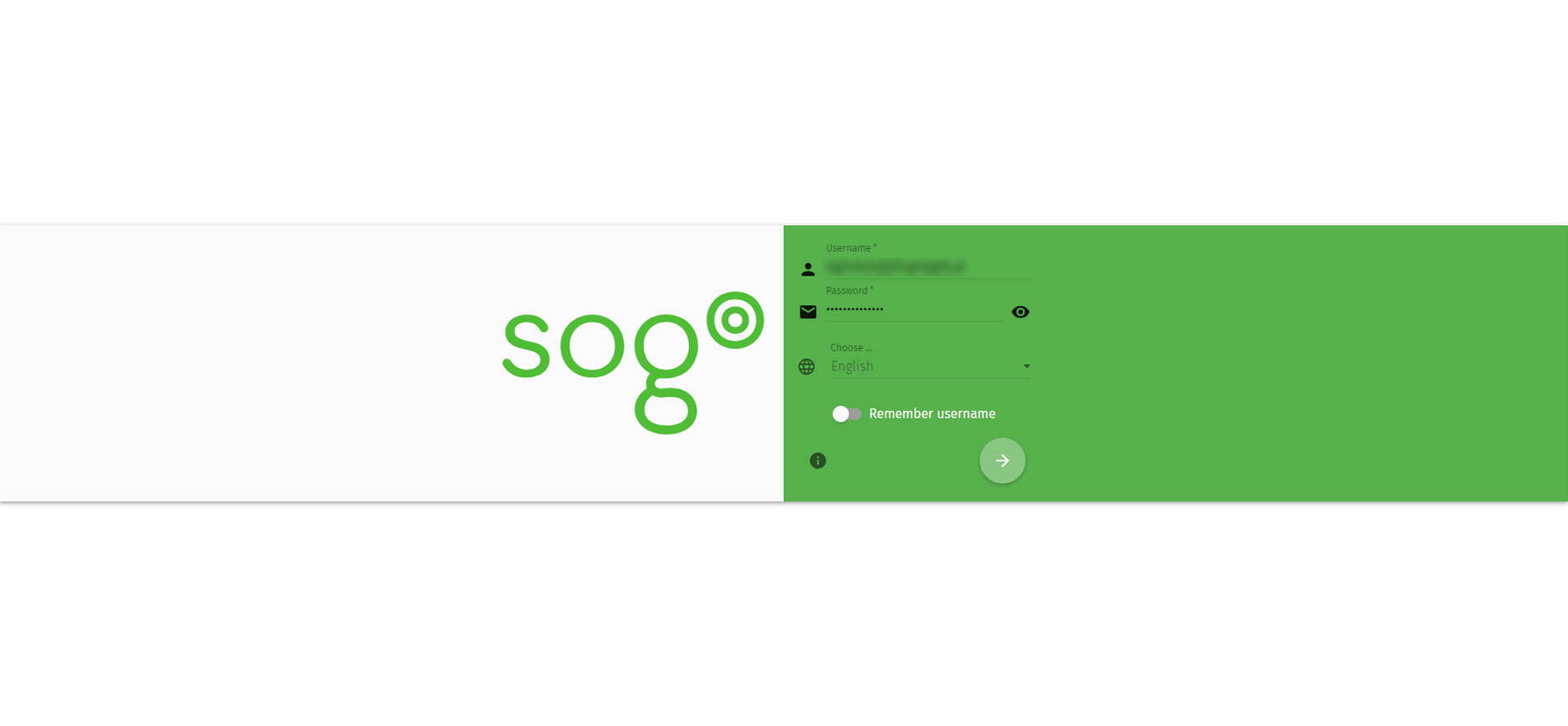
1. Log on SOGo webmail https://webmail.checksolutions.se/SOGo/so/
2. Username: Your e-mailadress.
3. Password: Password for your mail.
4. Click the round icon at the bottom.
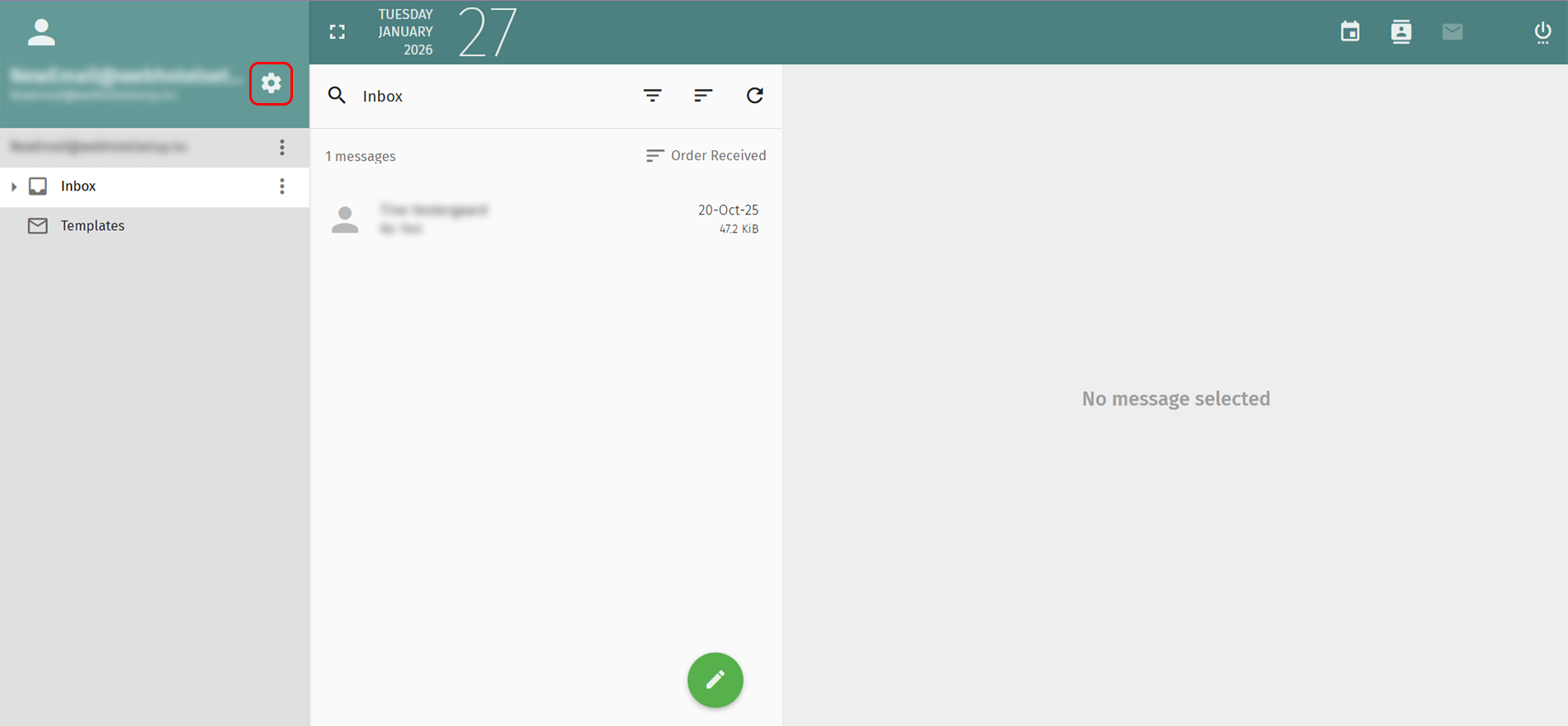
5. Click the gear icon in the top left.
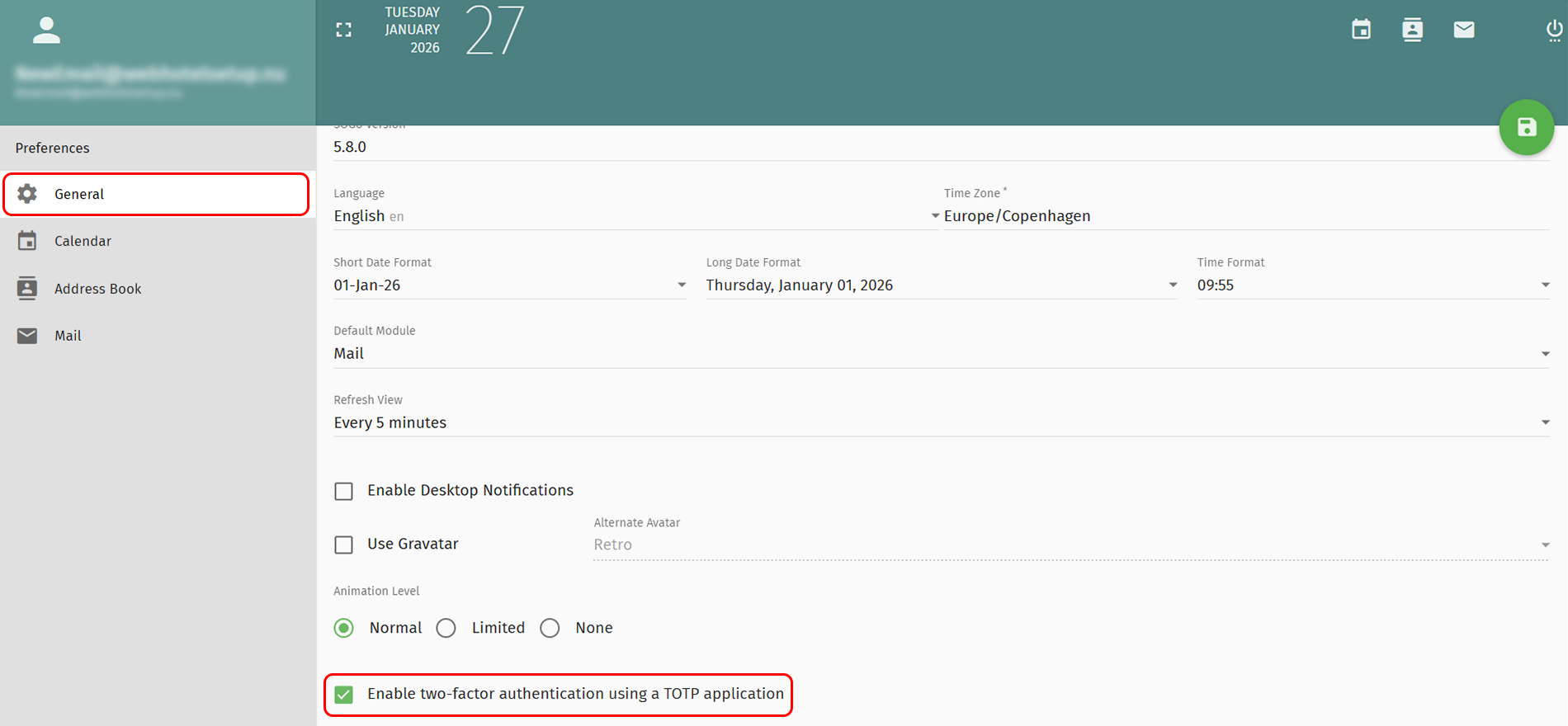
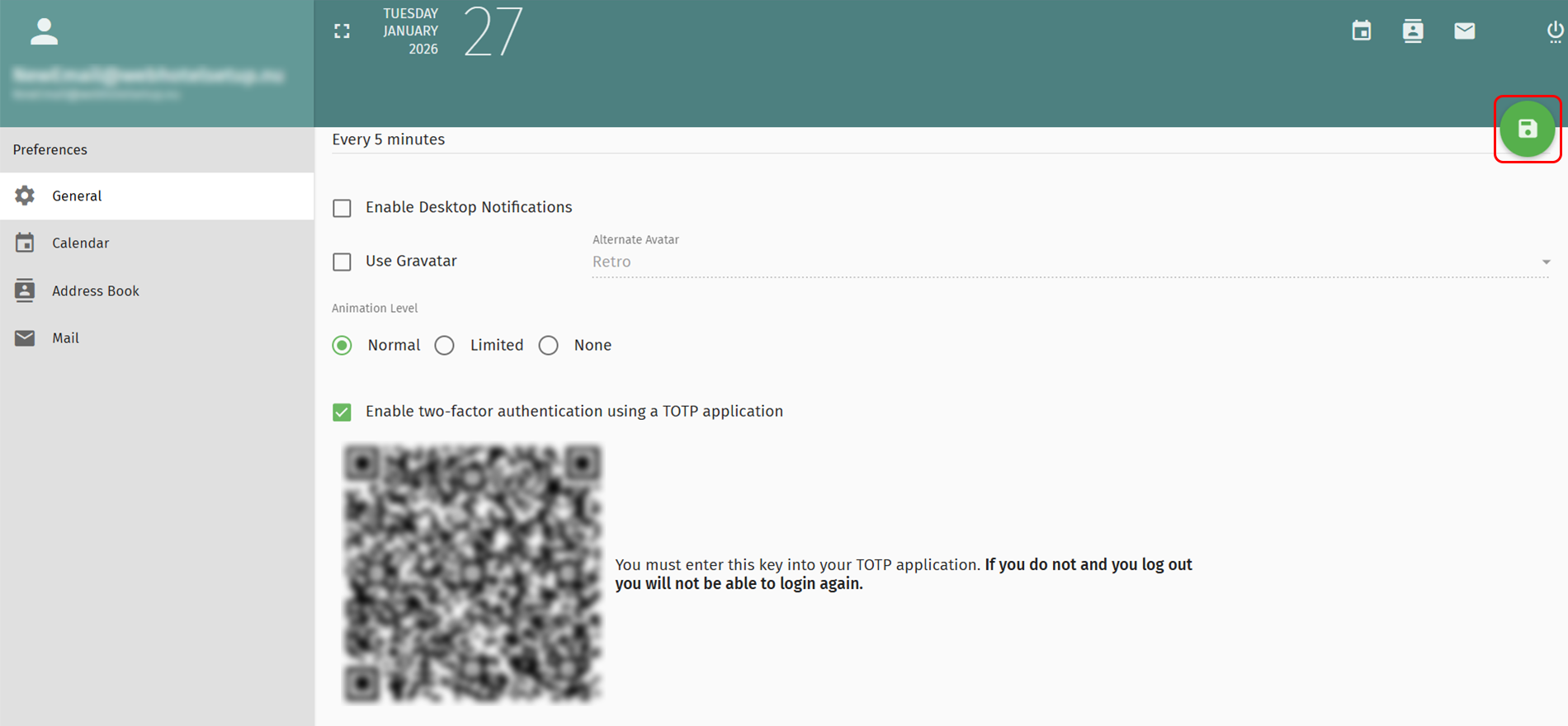
6. Select Generel in the left menu
7. Mark the checkbox Enable two-factor activation in the bottom.
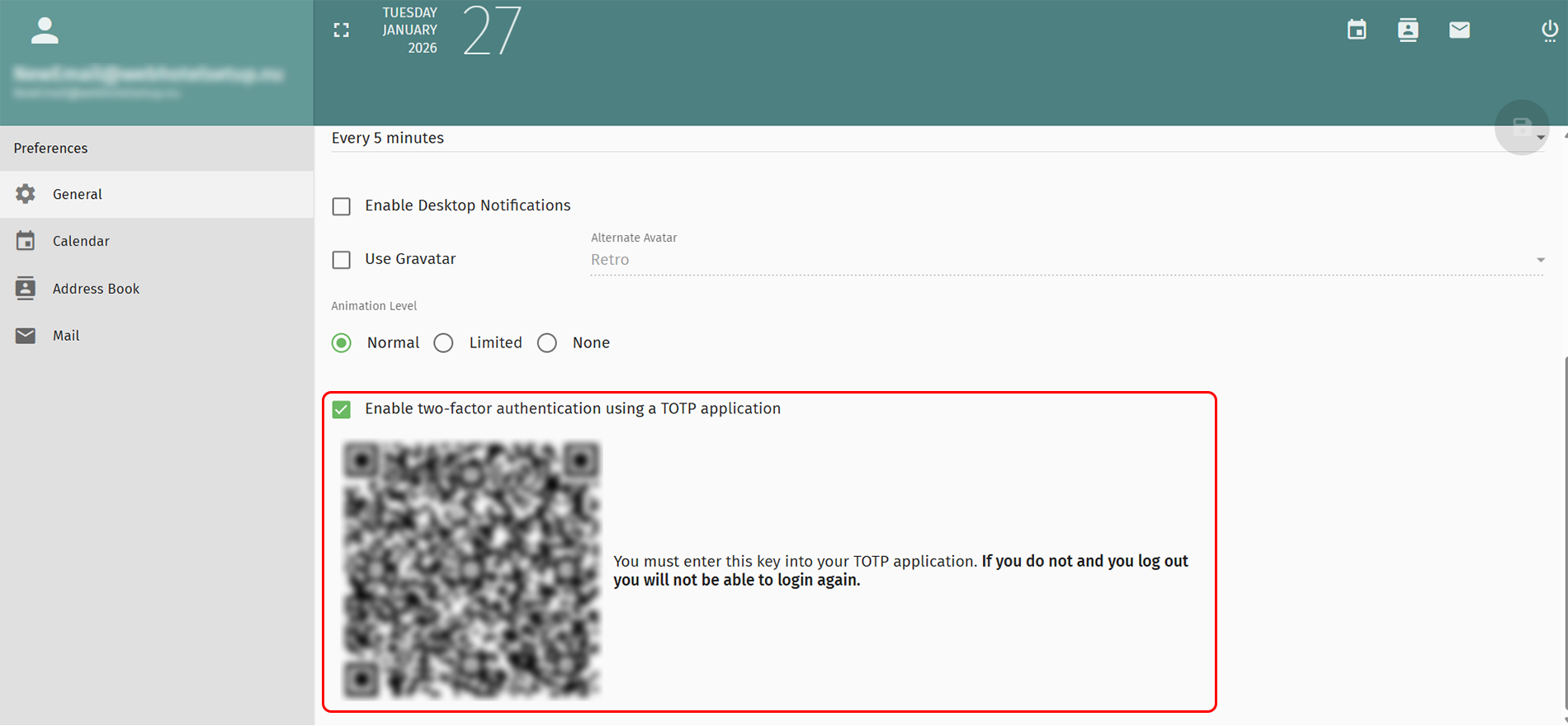
8. IMPORTANT!
Scan QR code in your TOTP- application.
If you forget this, you will not be able to enter your email again.
9. Click the green icon in the top right to save the changes.


 See related questions...
 Check what is on offer